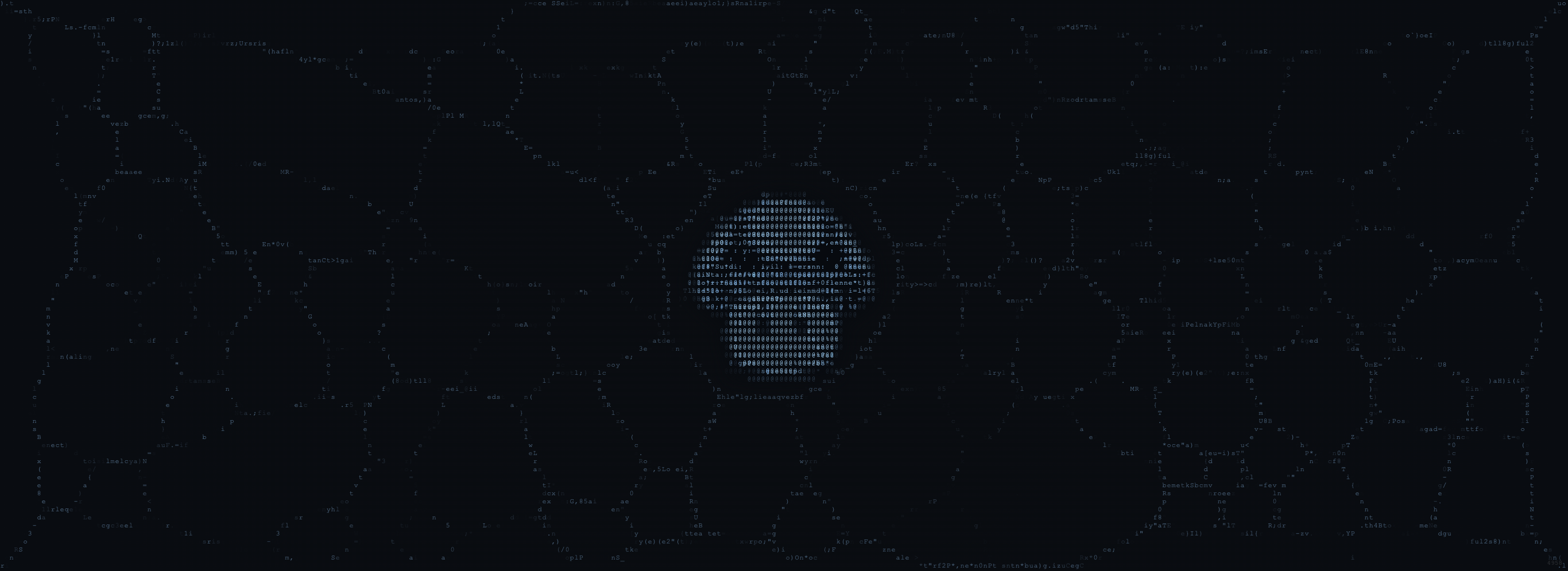
The Core Loop
Each frame, the swarm executes this cycle:1. Spawn New Cells
Cells continuously emerge from a spawn point (50 per frame in the Generator) until the population cap is reached. In the Generator, cells spawn from the central intelligence hub. In the Stencil and Masked, background cells spawn from the center while mascot cells spawn at edge food sources within the mascot shape.2. Cell Update (×4 per frame)
Each cell performs the sense → turn → move → deposit cycle four times per frame for visible growth speed. Sense: Each cell reads signal values at three positions ahead of it:- Center: Straight ahead at
sensorDistpixels - Left: Offset by
-sensorAngledegrees - Right: Offset by
+sensorAngledegrees
- If center signal is strongest → keep going straight
- If both sides are stronger → randomly pick left or right
- If left is stronger → turn left
- If right is stronger → turn right
- A tiny random jitter is always added for organic texture
speed pixels in its current heading.
Deposit: The cell drops deposit units of signal at its position.
Wrap: Cells that leave one edge appear on the opposite side (toroidal topology).
3. Signal Processing
The signal map is processed every frame:- Diffusion: Each cell’s signal blends with its 8 neighbors via box blur
- Decay: All values multiply by the decay rate
4. Attractor Refresh
Every 30 frames, attractors re-deposit signal at their positions, keeping them as persistent targets.5. Render
The signal map is converted to visible pixels through the palette’s color gradient.Why It Looks Alive
The emergent network structure arises from simple feedback:- Positive feedback. Agents reinforce well-traveled pathways, strengthening the network’s memory.
- Negative feedback. Signal memory fades over time, pruning unused routes.
- Competition. Multiple agents vying for the same signals creates branching and exploration.
- Attractors. External targets create directional growth, like nutrient nodes in a mycelial network.
- Balance. The tension between memory formation and memory fade determines network density.
Architecture Differences
Generator (Single-Thread)
The Generator runs everything on the main thread using a single canvas and signal map. It uses p5.js for rendering. The simulation is straightforward:| Structure | Type | Purpose |
|---|---|---|
| Signal map | Float32Array(W × H) | Chemical concentration per pixel |
| Cells | Array of {x, y, heading} | Individual swarm members |
| Attractors | Array of {x, y, radius, strength} | Environmental targets |
Stencil (Web Worker + OffscreenCanvas)
The Stencil runs a more complex architecture:- Main thread: Handles UI, compositing, and recording
- Web Worker (
stencil-worker.js): Runs both simulations (background + mascot) usingOffscreenCanvas - Dual simulations: Background swarm fills the viewport; mascot swarm is constrained to the image shape
- ASCII rendering: In Ramp/Code/Hybrid modes, the mascot swarm renders as a character grid (8×14 cells) mapped to signal intensity
postMessage. Parameter updates, blast commands, and frame data flow between threads.
Masked (Density-Guided Masking)
The Masked adds image analysis to guide the mascot swarm:- Luminance pass: Converts mascot image pixels to brightness values
- Sobel edge detection: Computes gradient magnitude at each pixel to find boundaries
- Density map: Combines
edge * 3 + luminance * 0.15into a density guide - Edge food sources: The 30 highest-density points (spatially filtered) become attractors
- Edge distance fade: Trail deposit fades near mask boundaries
Data Flow
The Rendering Pipeline
Generator
- Signal intensity (0–1) interpolates between Base → Bright colors
- Distance from hub blends in the Accent color
- Cell glow uses additive blending, brighter at unexplored frontiers
- The hub pulses with micro-strokes
Stencil (ASCII Modes)
- Signal map is divided into a character grid (8px × 14px cells)
- Average signal per cell maps to a character in the ramp
- Brightness pulses with a configurable oscillation cycle
- Colors come from the seed-selected palette
- Background renders as standard pixel-based swarm
Masked
- Both background and mascot swarms render pixel-by-pixel
- Mascot rendering uses the density map to modulate trail brightness
- Ghost afterimage fades over ~4 seconds as trails build
- All layers composite onto a single output canvas