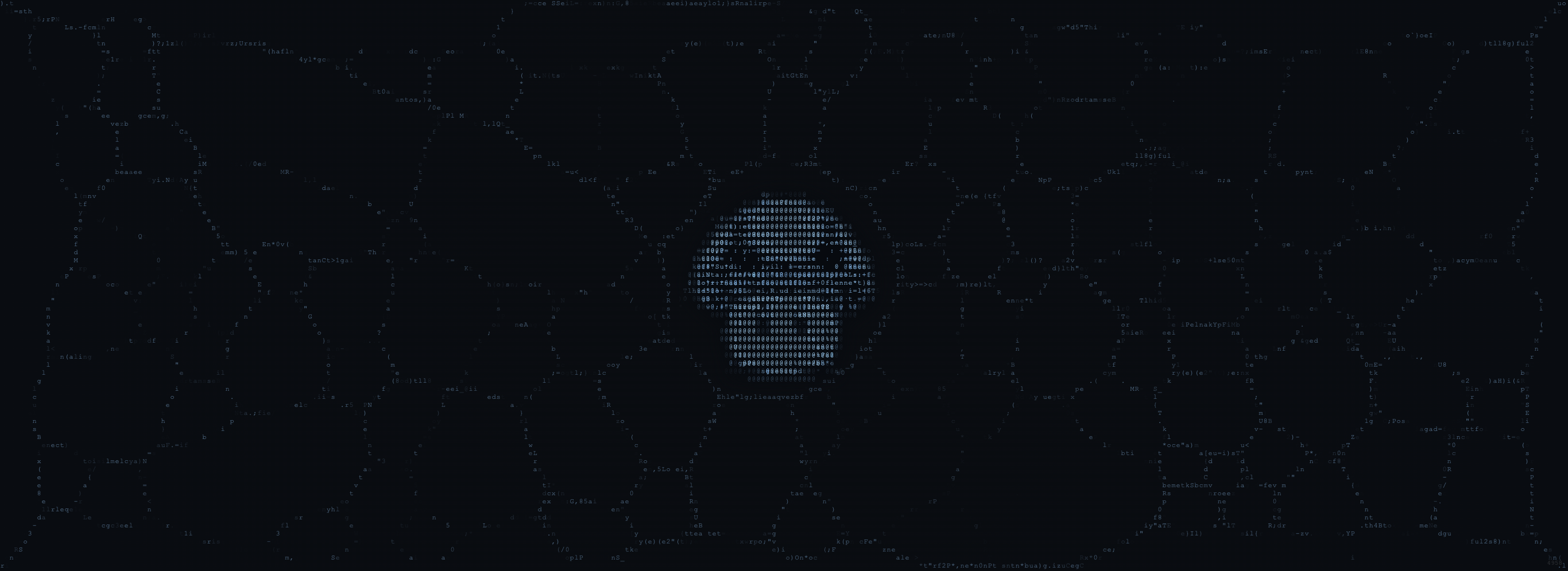
The Generator: 8 Color Presets
The Generator uses a three-stop color system. Every pixel interpolates between these stops based on signal intensity and distance from the hub.| Stop | Purpose |
|---|---|
| Signal Base | Darkest tone, faint trails, quiet zones |
| Signal Bright | Primary network color, well-traveled paths |
| Hub Accent | Blended into the central hub and highest-intensity areas |
Preset Table
| Palette | Base | Bright | Accent | Character |
|---|---|---|---|---|
| Shumi Gold (default) | #1A1408 | #D4A84B | #D97757 | Warm amber, burnt orange |
| Emerald | #061A0A | #2ECC71 | #1ABC9C | Bioluminescent green |
| Violet | #0D0815 | #9B59B6 | #E74C8B | Purple-magenta neural glow |
| Ice | #060D1A | #5DADE2 | #AED6F1 | Cool blue, ethereal |
| Ember | #1A0A04 | #E74C3C | #F39C12 | Fire and molten gold |
| Toxic | #0A1A04 | #39FF14 | #BFFF00 | Neon green, cyberpunk |
| Rose | #1A0810 | #E91E63 | #FF6F91 | Pink-magenta, soft organic |
| Mono | #0D0D0D | #CCCCCC | #FFFFFF | Grayscale, raw topology |
Custom Palettes
Click any of the three color pickers to define custom colors. Tips:- Keep Signal Base very dark (near black). It forms the void between trails.
- Signal Bright is the primary color. Choose the most saturated, distinctive color first.
- Hub Accent appears only at the center. Use it as a contrast pop.
- High contrast between Base and Bright produces the most legible networks
The Stencil: 8 Palettes x 4 Formation Modes
Palettes
The Stencil uses a different palette set from the Generator, optimized for mascot compositions. Each palette defines mascot colors, background colors, and chromatic aberration tints.| Palette | Mascot Bright | BG Bright | Chromatic Tints |
|---|---|---|---|
| Ember | #E0B860 | #9A8A55 | Warm orange / Cool cyan |
| Frost | #70B0E0 | #507898 | Blue / Purple |
| Moss | #88C870 | #608858 | Green / Yellow |
| Pearl | #C0B8B0 | #807870 | Lavender / Mauve |
| Bloom | #D880B8 | #906878 | Pink / Teal |
| Honey | #E0C860 | #988850 | Gold / Blue |
| Tide | #6888C0 | #506888 | Blue / Orange |
| Rust | #C88060 | #8A6050 | Copper / Teal |
seed % 8 selects the palette. Per-seed color drift applies ±8° hue, ±5 saturation, ±3 luminance shifts.
Formation Modes
| Mode | Key | Rendering | Character |
|---|---|---|---|
| Ramp | 1 | ASCII char ramp (·:;=+*#%@) | Classic Shumi look |
| Code | 2 | Code-style ASCII characters | Matrix / source code |
| Mold | 3 | Pixel-based smooth trails | Organic mold, high fidelity |
| Hybrid | 4 | ASCII + pixel blending | Layered, textured |
Texture Profiles
Both the Stencil and the Masked share the same 8 texture profiles (selected byMath.floor(seed / 8) % 8):
| Texture | Speed | Diffusion | Deposit | Character |
|---|---|---|---|---|
| Standard | Medium | 0.25 | 12 | Warm baseline glow |
| Crystalline | Slow | 0.10 | 18 | Sharp veins, gem-like |
| Smoke | Fast | 0.45 | 8 | Ghostly dissolving haze |
| Coral | Slow | 0.18 | 14 | Dense branching networks |
| Silk | Fast | 0.30 | 6 | Thin delicate threads |
| Electric | Very fast | 0.15 | 10 | Streaky lightning paths |
| Flow | Medium | 0.42 | 4 | Wide flowing rivers |
| Spore | Medium | 0.20 | 16 | Tight clusters, bright nodes |
The Masked: Fully Automatic
The Masked has no manual palette or mode controls. Everything is seed-determined:- Palette:
seed % 8→ same 8 palettes as the Stencil - Texture:
seed / 8 % 8→ same 8 texture profiles - Color drift: Per-seed hue/saturation/luminance shift
- Parameter jitter: ±10% variation within each texture profile
Same Seed, Three Looks
The same seed number will select the same palette and texture in the Stencil and the Masked, but the Generator uses its own independent color presets. The visual result differs because:| Generator | Stencil | Masked | |
|---|---|---|---|
| Palette source | Manual preset buttons | Seed-determined | Seed-determined |
| Texture | Fixed (user controls all params) | Seed-determined | Seed-determined |
| Color drift | None (manual colors) | Per-seed | Per-seed |
| Rendering | Pixel-based signal map | ASCII or pixel (4 modes) | Pixel-based masking |