How It Works
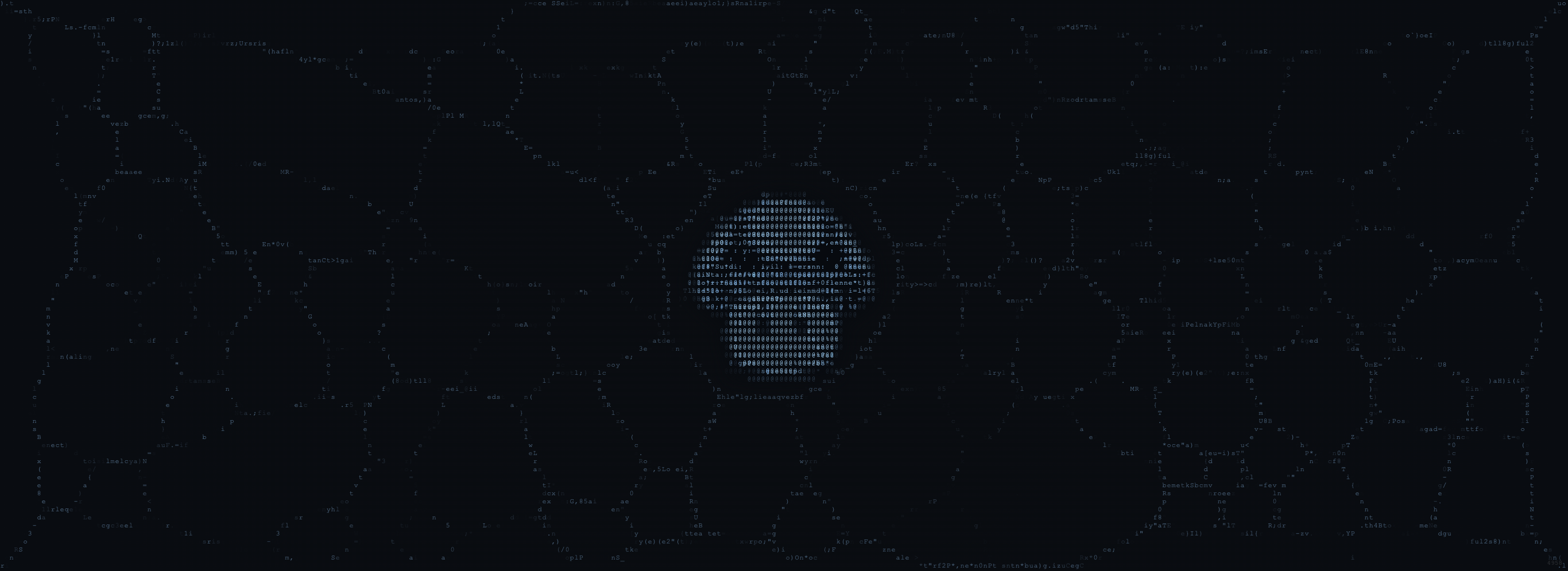
The Masked runs two physarum simulations (background + mascot), just like the Stencil, but with a fully automated parameter system. Instead of manual controls, the seed number determines everything:- Palette selection:
seed % 8picks from 8 color palettes - Texture selection:
Math.floor(seed / 8) % 8picks from 8 texture profiles - Color drift: Per-seed PRNG applies subtle hue, saturation, and luminance shifts within the selected palette
- Parameter jitter: Each simulation parameter gets a ±10% seed-based variation within its texture profile
The 8 Palettes
Each palette defines three color stops for the mascot trails and three for the background.| Palette | Mascot Colors | Character |
|---|---|---|
| Ember | Dark brown → Gold → Warm orange | Default Shumi warmth |
| Frost | Dark blue → Sky blue → Ice blue | Ethereal, cold intelligence |
| Moss | Dark green → Lime → Pale green | Organic, bioluminescent growth |
| Pearl | Dark gray → Warm gray → Off-white | Minimal, elegant, neutral |
| Bloom | Dark magenta → Pink → Rose | Soft organic energy |
| Honey | Dark amber → Yellow-gold → Warm gold | Rich, saturated warmth |
| Tide | Navy → Steel blue → Periwinkle | Ocean depth, calm flow |
| Rust | Dark brown → Copper → Terracotta | Earthy, oxidized metal |
The 8 Textures
Textures define the behavioral character: how fast cells move, how trails diffuse, and how much structure vs. haze the swarm produces.| Texture | Character | Key Traits |
|---|---|---|
| Standard | Warm, steady glow | Medium everything (the baseline) |
| Crystalline | Sharp defined veins | Low diffusion, high deposit, gem-like facets |
| Smoke | Soft ghostly haze | High diffusion, low deposit, trails dissolve |
| Coral | Dense branching networks | Slow speed, wide sensing, organic growth |
| Silk | Thin delicate threads | Fast speed, quick fade, silk in water |
| Electric | Long streaky paths | Very fast, tight sensors, lightning energy |
| Flow | Wide flowing rivers | Heavy diffusion, low deposit, lava lamp |
| Spore | Tight clusters with bright nodes | Short sensors, high deposit, constellation map |
Per-Seed Color Drift
Even within the same palette, no two seeds look identical. The drift system applies:- Hue drift: ±8° shift
- Saturation drift: ±5 units
- Luminance drift: ±3 units
Masking System
The mascot physarum doesn’t just overlay the swarm. It grows through the mascot shape using a multi-pass analysis:- Luminance pass: Converts mascot pixels to brightness values
- Sobel edge detection: Identifies sharp boundaries (cap outline, eyes, face border)
- Density map: Combines edge strength with luminance to guide where trails grow densest
- Edge food sources: High-contrast points become attractors, pulling cells toward structural features
- Edge distance fade: Trails fade near mask boundaries for clean edges
Ghost Afterimage
On each new seed, a ghost layer appears: a barely-perceptible retinal-burn echo of the original mascot. As the physarum trails build, the ghost fades over about 4 seconds, giving the appearance of the swarm replacing the original image.Chromatic Aberration
The mascot layer orbits with a subtle RGB channel separation effect:- Desktop: 5px offset, 30% opacity, 6-second orbit cycle
- Mobile: 3px offset, 20% opacity, 8-second orbit (lighter for performance)
Interface
The Masked has the most minimal UI of all three simulators:| Control | Action |
|---|---|
| New Seed | Generate a random seed and restart both simulations |
| ● Record | Start/stop WebM video recording |
| Save PNG | Capture the current composite frame as PNG |